







Your company is constantly innovating… but so are your competitors. That makes it harder than ever to keep up with what your rivals are doing while staying current on your company's latest features. Countless AI tools promise to make your life easier, yet each has its own strengths and weaknesses depending on the use case.
Whether you're new to competitive intelligence (CI) or new to using AI for product marketing, this guide will help you decide which tools to reach for when positioning your company against the competition.
Think of your competitive intelligence work as a boat. You are the captain. You need both a radar and a navigation system to help you steer and avoid obstacles hidden in the water.
Radars constantly sweep the horizon, tracking competitor movements, feature releases, and market signals in real time so your boat can identify rocks and avoid running aground. Navigation systems help map out your route, providing a better, faster way to get to your destination using information provided by the radar.
The two kinds of AI tools in the CI world split along exactly this line:
- Purpose-built CI tools like Klue and Crayon act like automated radar systems: they continuously crawl competitor websites, third-party review sites, social media posts, job boards, media outlets, and win/loss interviews to let you know when a new product ships, or whenever they change their messaging, pricing, or go-to-market strategy.
- General-purpose AI assistants like ChatGPT, Microsoft Copilot, Google Gemini, and Claude act like navigation systems, helping you summarize all of that raw intelligence data from CI tools into competitive positioning, battlecards, sales enablement materials, and marketing content.
The catch: AI assistants can build a narrative out of whatever you put in front of them! That's how you end up with a beautifully told story built on unverified assumptions. You simply can’t trust a general AI assistant to know the competitive facts.
Your purpose-built CI tools have access to trustworthy source materials that AI assistants can’t access. Like a ship’s captain, it’s ultimately your job to steer the boat in the right direction. You are the expert, with access to the best information about your competitors and your own company’s differentiators.
You have to point the AI assistants in the right direction to get the best results. The competitive intelligence function requires researching and synthesizing information from a wide variety of external and internal data sources.
- External/competitor data sources include: competitor websites and documentation; social media; customer review sites; media and news outlets; industry experts; investor and analyst research; and third-party market research.
- Your own proprietary sources include: Product data and roadmaps; win/loss interviews; CRM data; or recorded customer and sales conversations.
The honest answer to "which should I use?" is “it depends on the job.” Dedicated CI tools and general-purpose AI assistants solve fundamentally different problems.
The CI tools are systems of record. They collect verified data, structure it, and distribute it. The AI assistants are systems of production. They help you think, draft, and create fast. The most effective CI programs use both, and the trick is knowing which tool to reach for in which moment.
This guide walks through the major players and maps them against 5 core product marketing use cases: win/loss analysis, battlecard creation, customer-facing competitive content, competitive newsletters, and internal enablement materials.
The scoop: a 30-second decision guide
Not sure where to begin? Match your immediate need to the starting point below, then bring in the other role to finish the job.
- Need verified competitor or buyer facts? Start with a radar (a purpose-built CI platform).
- Need to draft, summarize, or rephrase copy fast? Start with a navigation system (a general-purpose AI assistant) – fed with verified data.
- Publishing anything customer-facing? Draft with the navigator, then ask the AI assistant for links to all claims and assumptions, so you can fact-check each competitive claim before the asset gets distributed.
- Just want a single takeaway? Let the radars identify the obstacles, and let the navigators chart your path!
For more information about each tool’s strengths and weaknesses, keep reading.
Meet the radars: purpose-built CI platforms
These tools live by one rule: what they hand you was actually independently verified, and you can trace where it came from.
Most of them have their own AI assistants built in, but the data they draw from depends on the tool. Dedicated CI platforms can be an expensive investment, but they will provide you with sourced, defensible intel.
Competitor monitoring for battlecards or newsletters
Klue, Crayon, and similar tools help build and refresh competitive battlecards using publicly available signals like website changes, product news, and customer and employee reviews, plus your own proprietary data via integrations.
Win/loss interviews
Klue and Clozd have interviewers who conduct win/loss conversations with prospects and customers on your behalf, for trusted insight into why you won or lost. They can also surface patterns and trends across interviews and show which competitors you encounter most often.
 Charley Gale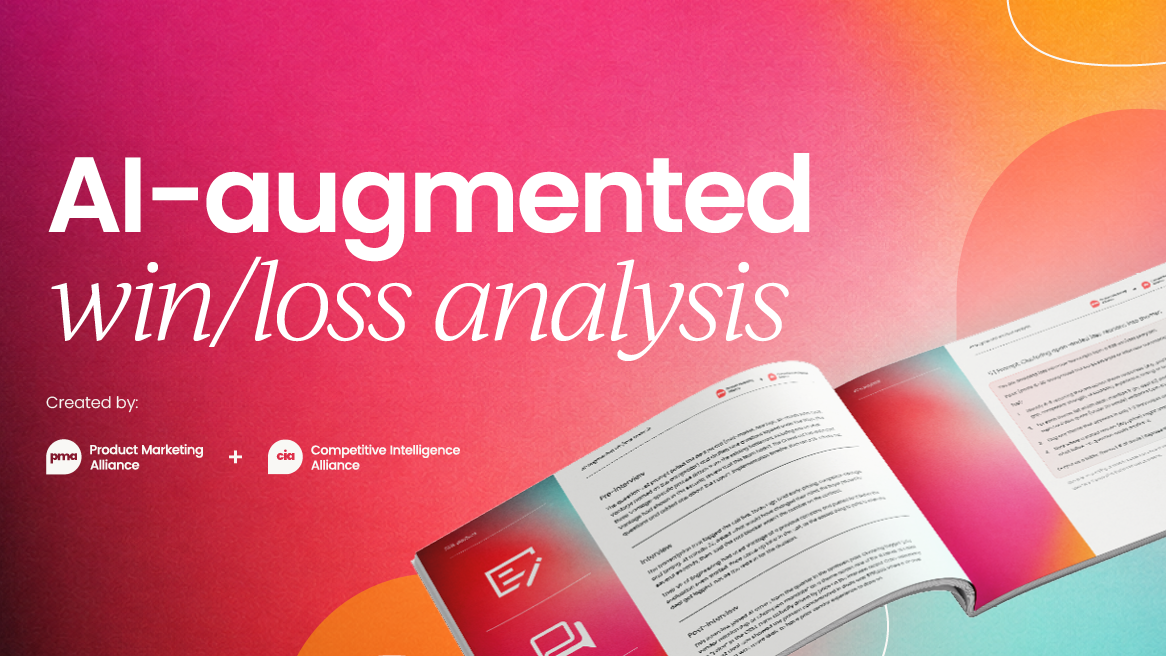
Financial and market research
AlphaSense is an AI-powered market intelligence and search platform used mainly by business strategy, investor relations, and finance teams.
It combines a massive library of public and private documents including company filings, earnings call transcripts, expert interview transcripts, and broker research. It can be a useful source of competitive information, though that’s not usually its primary use case.
Conversation-listening tools
Gong, Salesloft, and similar tools can record sales calls and pull competitor mentions straight from real conversations, track which rivals appear at which deal stages and which competitors you encounter most often, and link those patterns to wins and losses. CI isn’t their primary purpose, but they’re a helpful information source when you’re a small team or solo PMM, or can’t speak with sales directly.
CRM tools
CRM tools like Salesforce or HubSpot can be another great source of information for data about your customers and prospects but might be limited to which fields already exist, and whether teams are accurately logging information, what questions they’re asking, and which stakeholders they’re speaking with.
CI isn’t the primary purpose here either, but the information can be helpful when used in combination with other sources
Beyond licensing costs, it is important to consider the total cost of ownership. Someone (probably you) is going to own this product. You need to learn a new platform and set up the program for success. Implementation can take anywhere from 3 months to a year, depending on budgetary constraints, stakeholders (and champions), approval process, and integrations needed.
There is a lot of information that is hidden behind firewalls and proprietary data that cannot be accessed by AI assistants, but nonetheless can be helpful by arming your sales team with data that helps close deals and keeping your leadership and product teams informed.
You may have to build a business case to get access to this type of tool. Perhaps another department in the company already has the tool, and it’s only a matter of adding additional headcount (or reassigning a license). If so, you may be able to fast-track the process!
 Charley Gale
Meet the navigators: AI assistants
General-purpose AI assistants like ChatGPT, Microsoft Copilot, Google Gemini, and Claude are fast, helpful navigators. That is, as long as you give them genuine data to work from.
Their accuracy can depend on which model you’re using, which connectors and data sources are enabled, and how detailed your prompt is. Always check your organization’s policies on which tools are approved for enterprise use.
- Copilot works best inside a Microsoft 365 archive and is helpful for companies that use the Microsoft suite and have enterprise security needs.
- Gemini has a huge context window and native Google Workspace fit, so it's great for working through mountains of documents.
- Claude and ChatGPT can also be used for research and writing. That said, any AI assistant may hallucinate or tell you what it thinks you want to hear.
The one rule to carve in stone: these assistants are wonderful for drafting and synthesizing, but they should never be your source of competitive facts unless you feed them verified data. Left to narrate from memory, they'll confidently present fiction as fact.
In addition to leveraging the competitive intelligence from the above tools, you will need to double-check their work (ask them for source data and check each link) and ensure they are complying with your company’s brand guardrails, messaging, positioning, and updated product/feature details.
Verify accuracy and use AI responsibly
Whenever an AI assistant hands you competitive claims, run them through this quick checklist before you trust – let alone publish – anything:
1. Ask for sources. Request the specific source behind every competitive claim, not a general reference.
2. Click every link. Open each cited URL and confirm it exists and actually says what the assistant claims.
3. Cross-reference your platform. Check the claim against your CI platform's verified intel, or another trusted source of record.
4. Confirm it's current. Competitor pricing, features, and messaging change fast – verify against the competitor's live pages and your own updated product docs.
5. Check for brand and messaging fit. Make sure the output complies with your company's guardrails, positioning, and differentiated messaging.
Pros and cons by use case
Here's how the radars and the navigators stack up across the 5 jobs you'll do most. For each tool, always verify accuracy using your own subject matter and industry experience, fact-check with internal product experts, and make sure the output matches your company’s differentiated messaging and positioning.
Summary: which AI tool for which CI job
If you remember nothing else, remember this: let the radars find the truth, and let the navigators create the map. They're partners, not rivals.
- For win/loss analysis, lead with a specialist. Clozd and Klue are great for interviews where you control the questions and provide guidelines about which types of prospects or customers you want to speak with. Gong and Salesforce make sense if you'd rather pull the signal straight from sales calls. Then let an AI assistant help you synthesize the themes, not invent the findings.
- For battlecards, displacement playbooks, newsletters, and internal enablement, Klue and Crayon can help keep intel fresh and publish the content where sellers work. Bring in an AI assistant to draft and polish the copy far faster than starting from a blank page, ideally grounded in your platform's real data.
- For deep market and financial research, AlphaSense is in a league of its own.
- For customer-facing campaign content, the general-purpose assistants are your primary drafting tools. Just fact-check every competitive claim against your CI tools before it goes public.
- For internal enablement materials, both types of tools have a role to play. Use a CI platform for the research and an AI assistant to draft the content in the appropriate format.
Just starting out? Pick one CI platform that plugs your biggest gap (whether win/loss, enablement, or market research) and adopt one AI assistant as your everyday drafting partner. Keep the two roles straight in your head, and you'll dodge the most damaging rookie mistake of all: asking a navigator to create a map in uncharted waters.


Product marketing insider
Thank you for subscribing
Level up your product marketing career & network with product marketing experts.
An email has been successfully sent to confirm your subscription.
 Follow us on LinkedIn


.svg)
Start the conversation
Become a member of Product Marketing Alliance to start commenting.
Sign up now